Everything your household runs on, in one calm place
Everything below is built and works now, and the core features are free. All of them share the same family members, colors and privacy settings, so nothing needs setting up twice.
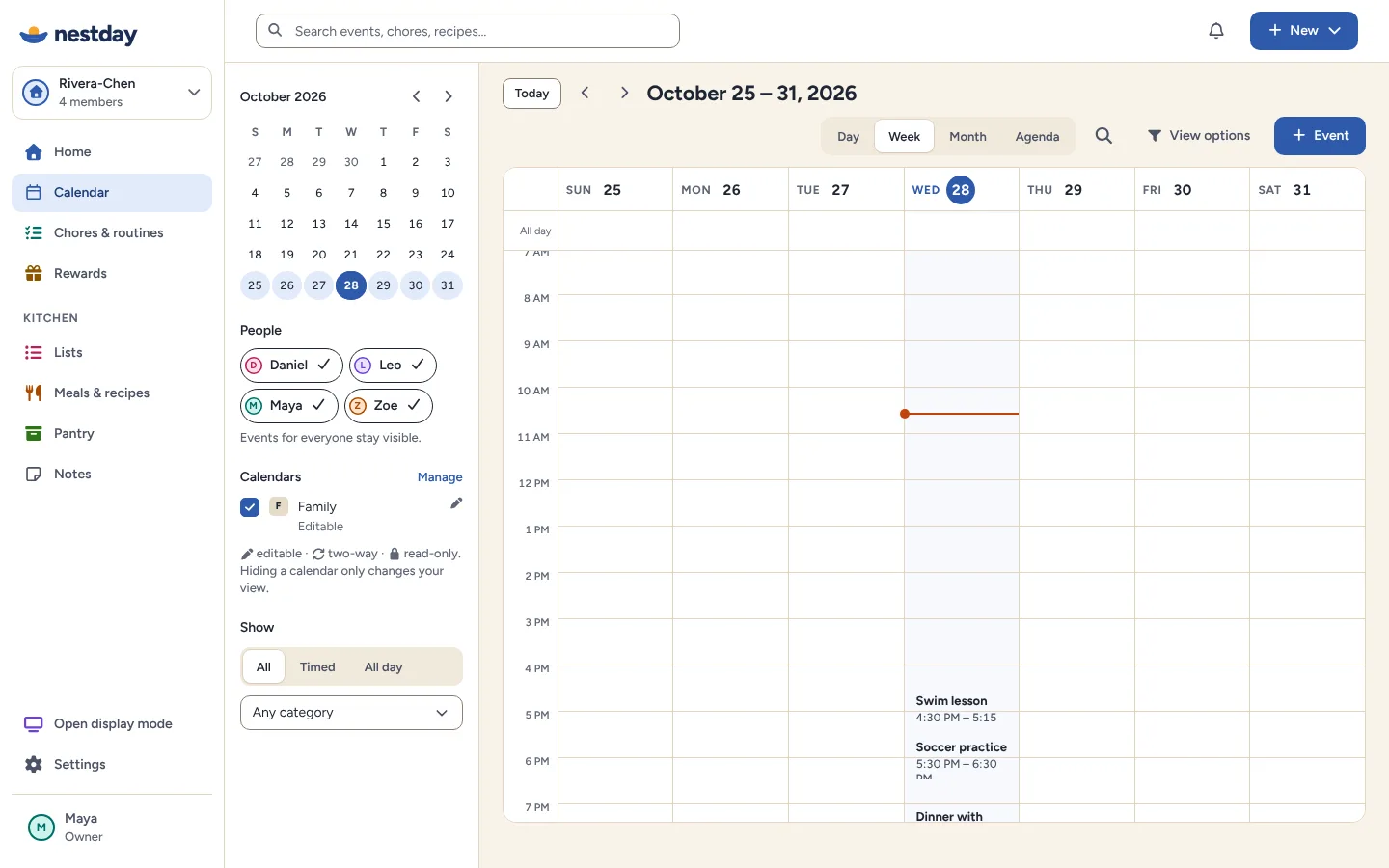
Everyone's week, one glance
See the whole family in day, week, month or agenda view, filtered by person, calendar or category when you need to focus.
- A color and initial for every person
- Google Calendar, read-only or read-and-write, alongside family events
- Calendar links (ICS) from school, teams, Outlook or iCloud, refreshed automatically
- Always shows the source, and whether an event can be edited
- Repeating events, all-day events and private "Busy" blocks
Limits: Changing “this and following” repeats isn't available yet. External calendars refresh on a schedule, not instantly.
Helping out, made visible
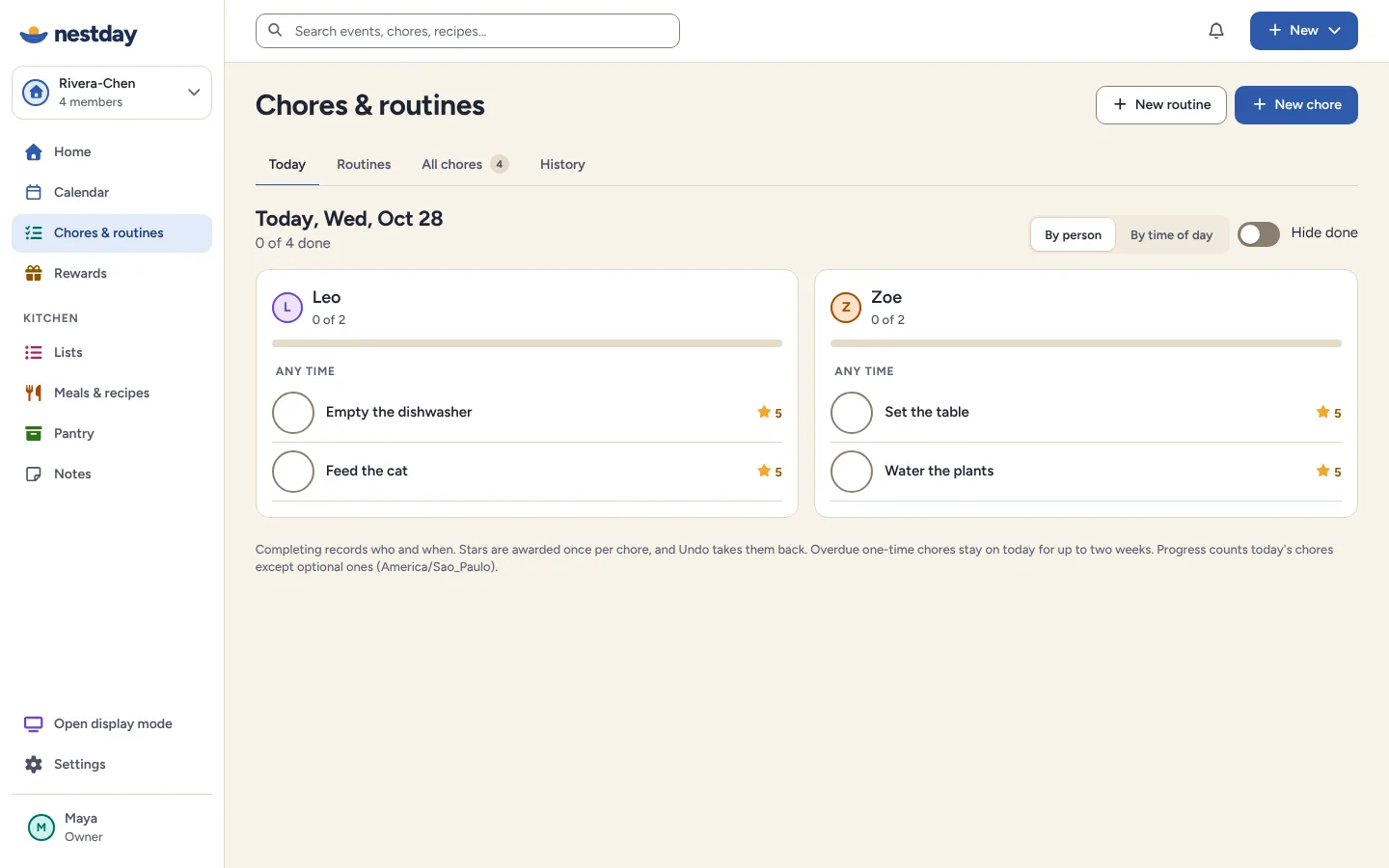
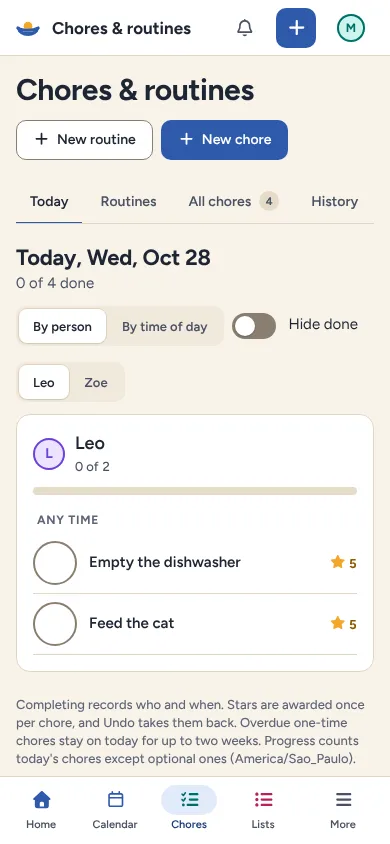
Morning and bedtime routines, one-off jobs and repeating chores. Kids check them off on a phone, tablet or the household display.
- Templates to start from, not build from scratch
- Optional stars kids can save for rewards
- A grown-up approves every reward
- Personal progress, no leaderboards
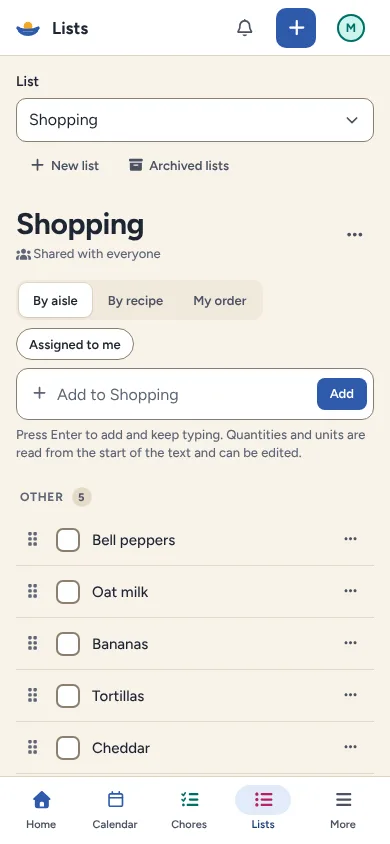
The shopping list everyone can add to
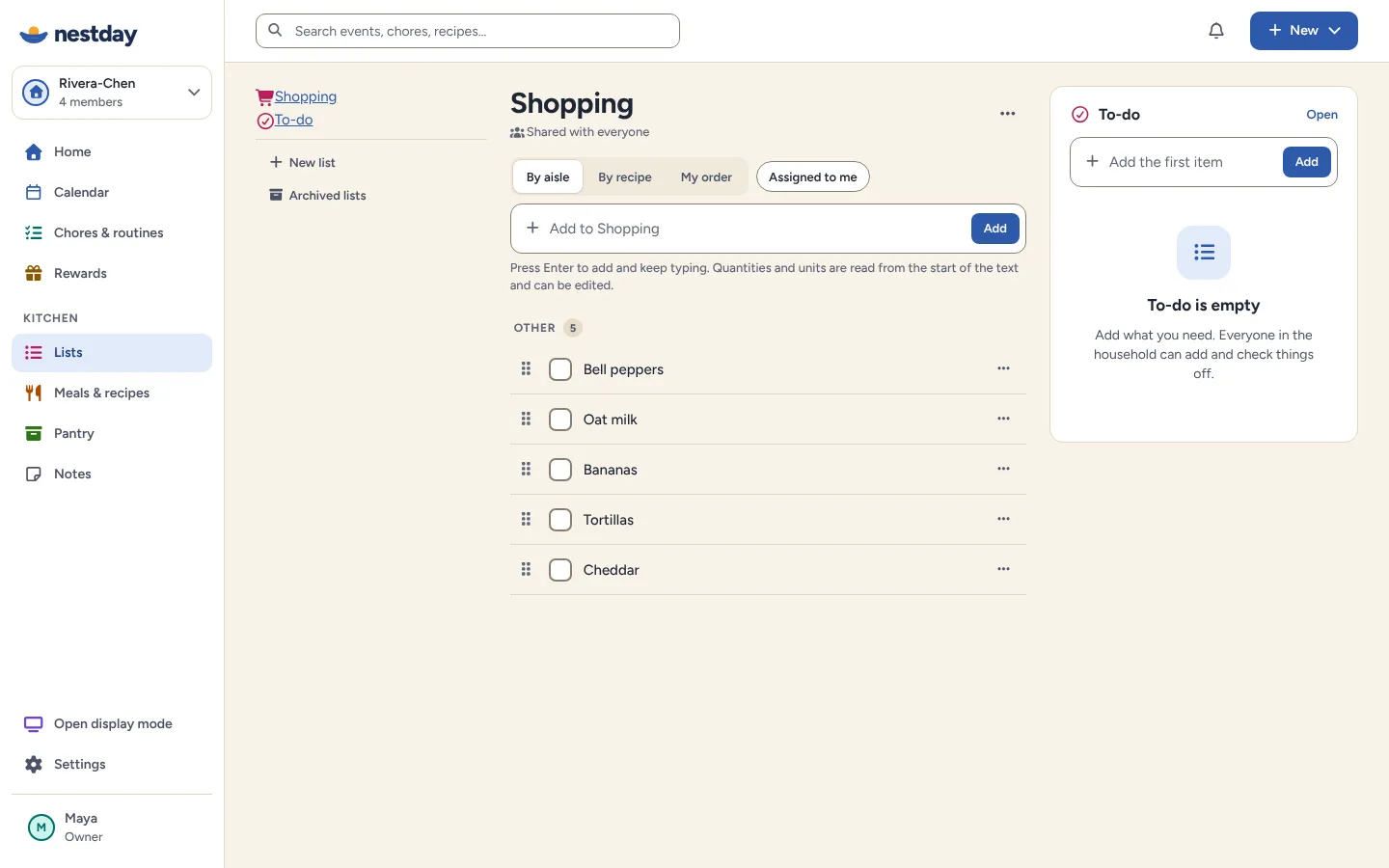
Shared lists for shopping, to-dos and anything else, with quantities, notes and categories. Checked items move out of the way.
- The same list on every family member's device
- Check off and add from the household display too
- Undo for every check-off and delete
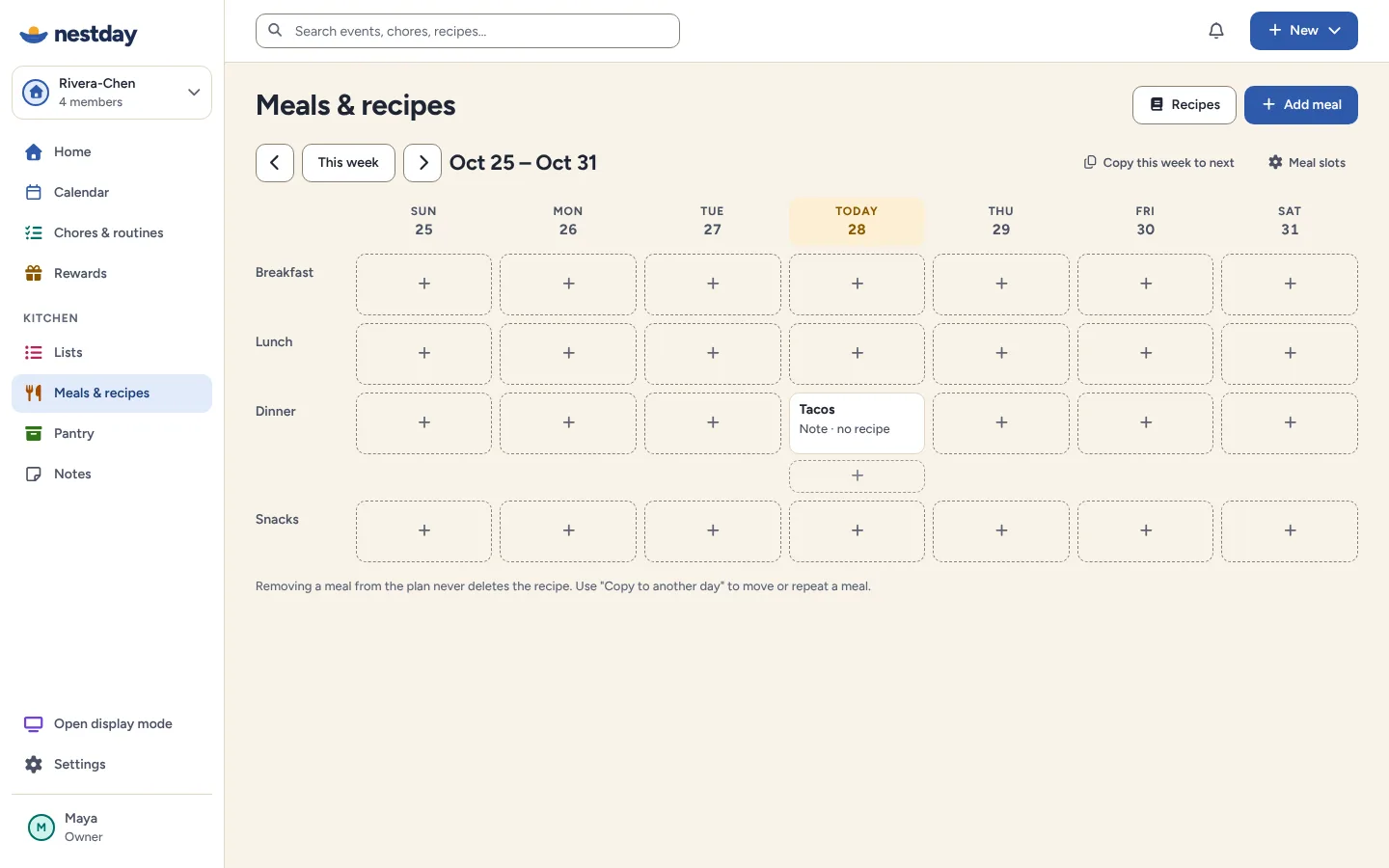
Answer “what's for dinner?” once a week
Plan meals on a simple weekly grid, keep the family's recipes in one place and send ingredients to the shopping list after a quick review.
- Recipes with servings and ingredients
- The grocery review flags what the pantry already has
- Pantry flags for low stock and the expiry dates you enter
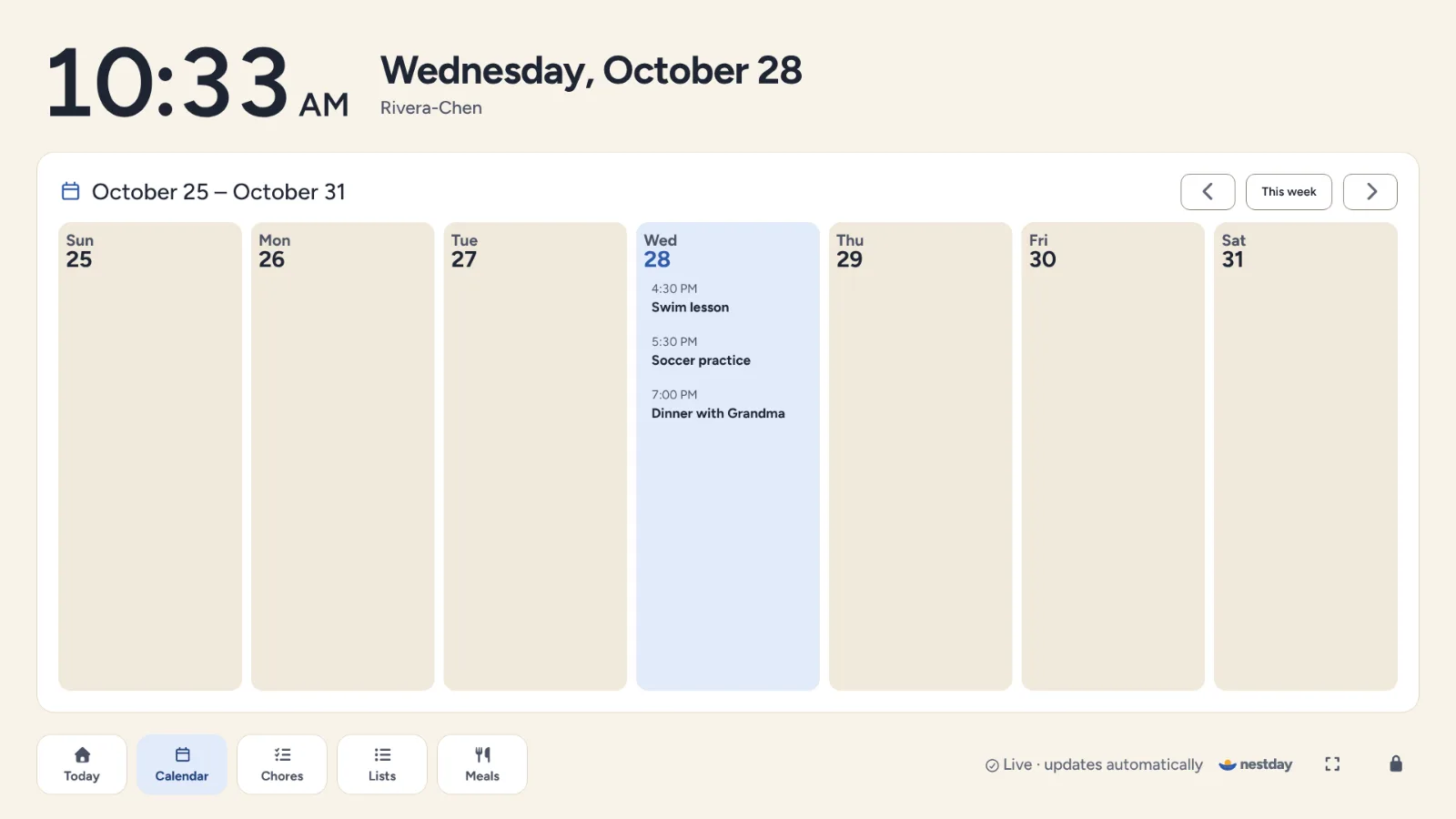
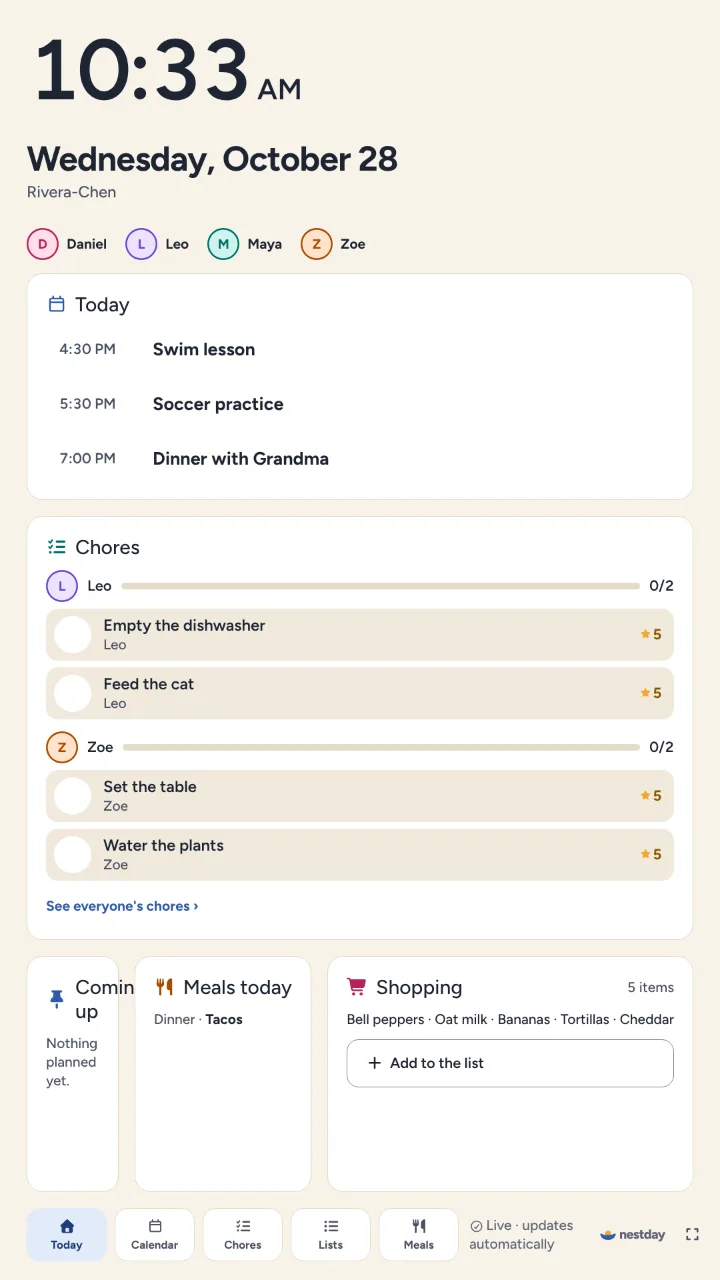
Landscape on the wall, portrait in the hallway
Pair any screen with a short code or QR code. It shows today, the week, chores, lists and meals, updates by itself, and adult-only actions are locked behind a PIN. At night it dims to a clock or family photos.
Limits: a browser can't turn the screen off or wake a sleeping device; use the device's own settings for that.
Privacy on shared screens
Each event can be private, and each display shows only what the family has chosen to share.
Roles that fit a family
Owner, admin, adult and child, checked by the server, so children see their own view.
Honest sync
Nestday tells you when a calendar needs attention, and shows which events can be edited.
Also included
- A Home page you can customize: choose widgets, sizes and order, for the household or just for you.
- A shared notes board with checklists and pinned notes.
- Several households per person, and invitation links for other adults that last 7 days and work only for the invited email.
- Export everything as a file; deleted items can be restored until they're deleted permanently.
Limits: Nestday doesn't send emails or push notifications yet; reminders appear while Nestday is open.
Ready when you are
Set up takes a few minutes. Invite another adult whenever you like. Questions about a feature? See Help.