Your family's day, all in one place.
Nestday is a shared place for the family to organize everyday life: one calendar for everyone, chores the kids can tick off, meals, shopping lists, and a screen for the kitchen wall.
Your days, together.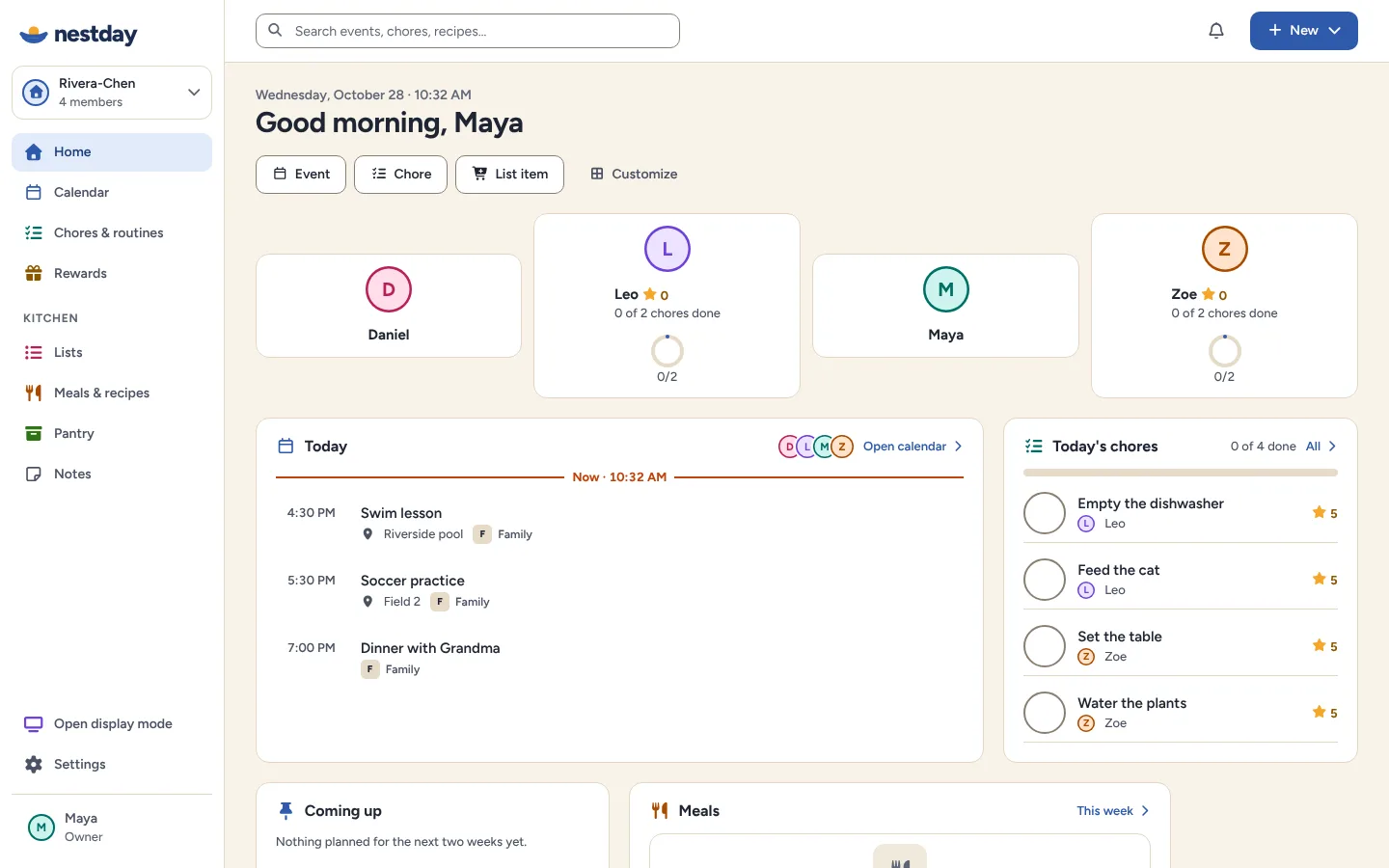
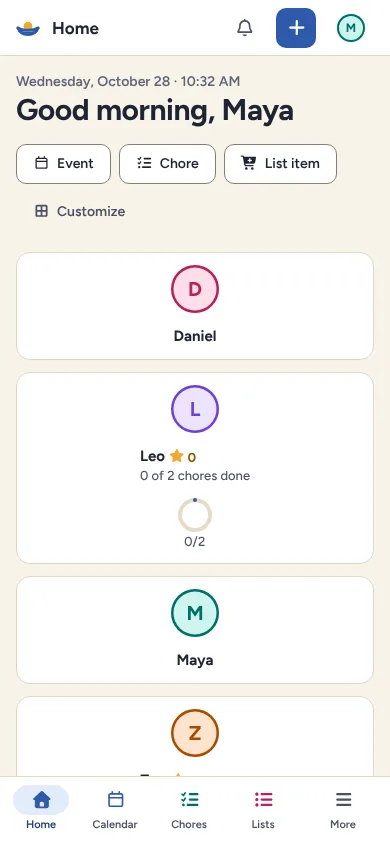
One calendar, everyone in it
Each person has their own color, so you can see at a glance who needs to be where.
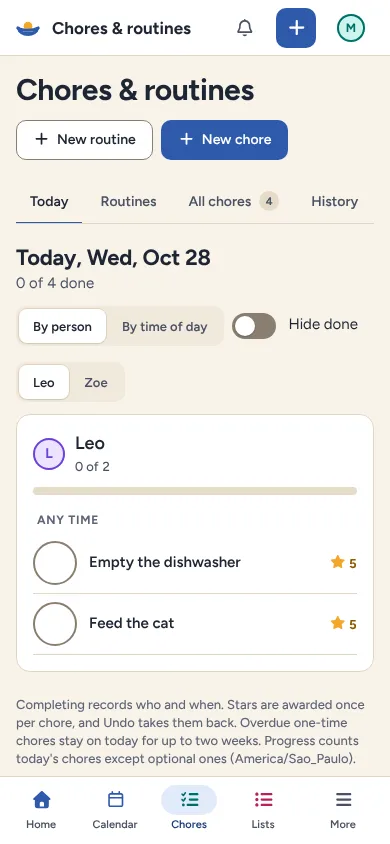
Chores without the nagging
Routines and chores that kids can check off themselves, with optional stars.
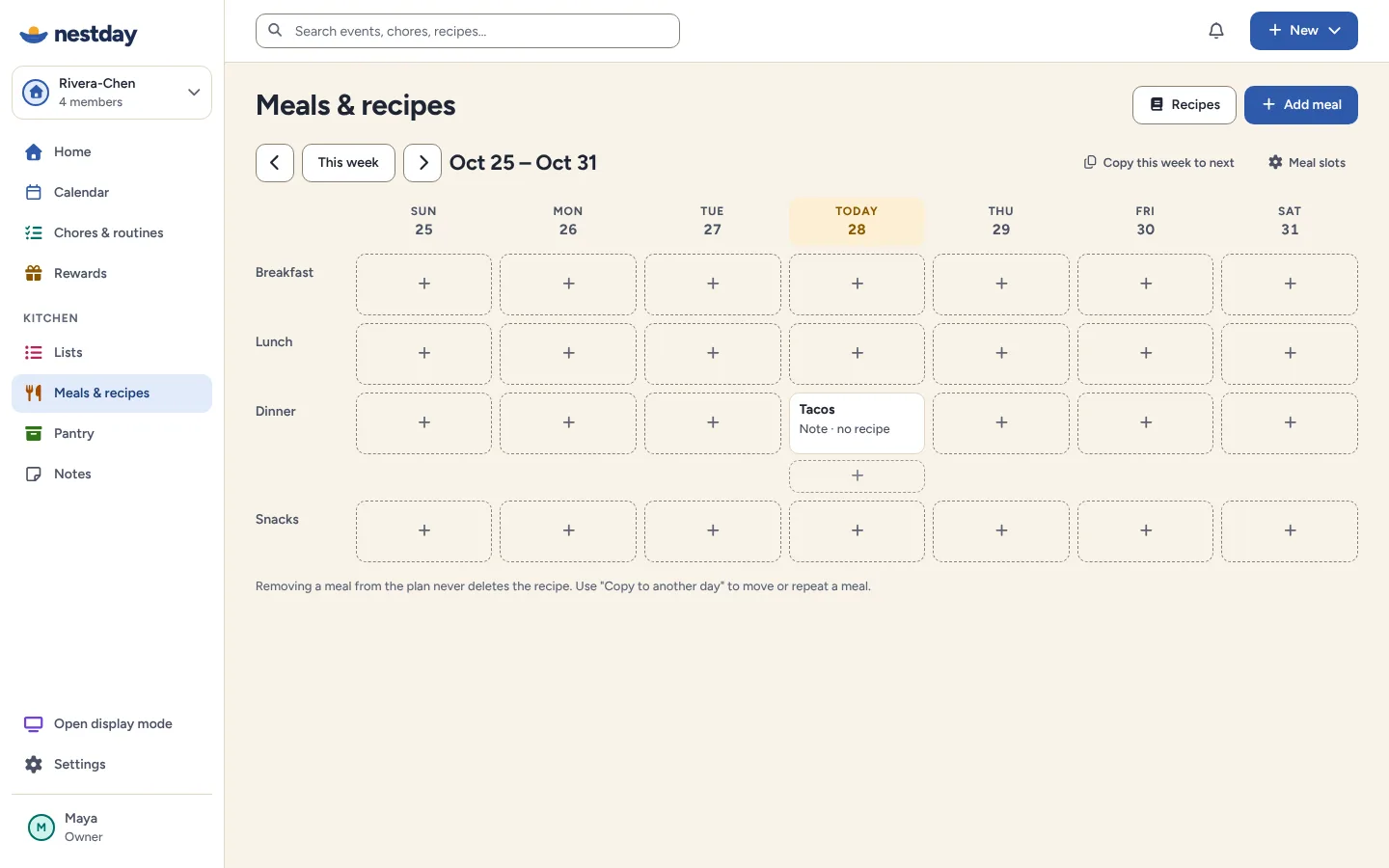
Dinner, sorted
Plan the week's meals and send the ingredients to the shopping list after a quick review.
Plan the week together, live today calmly
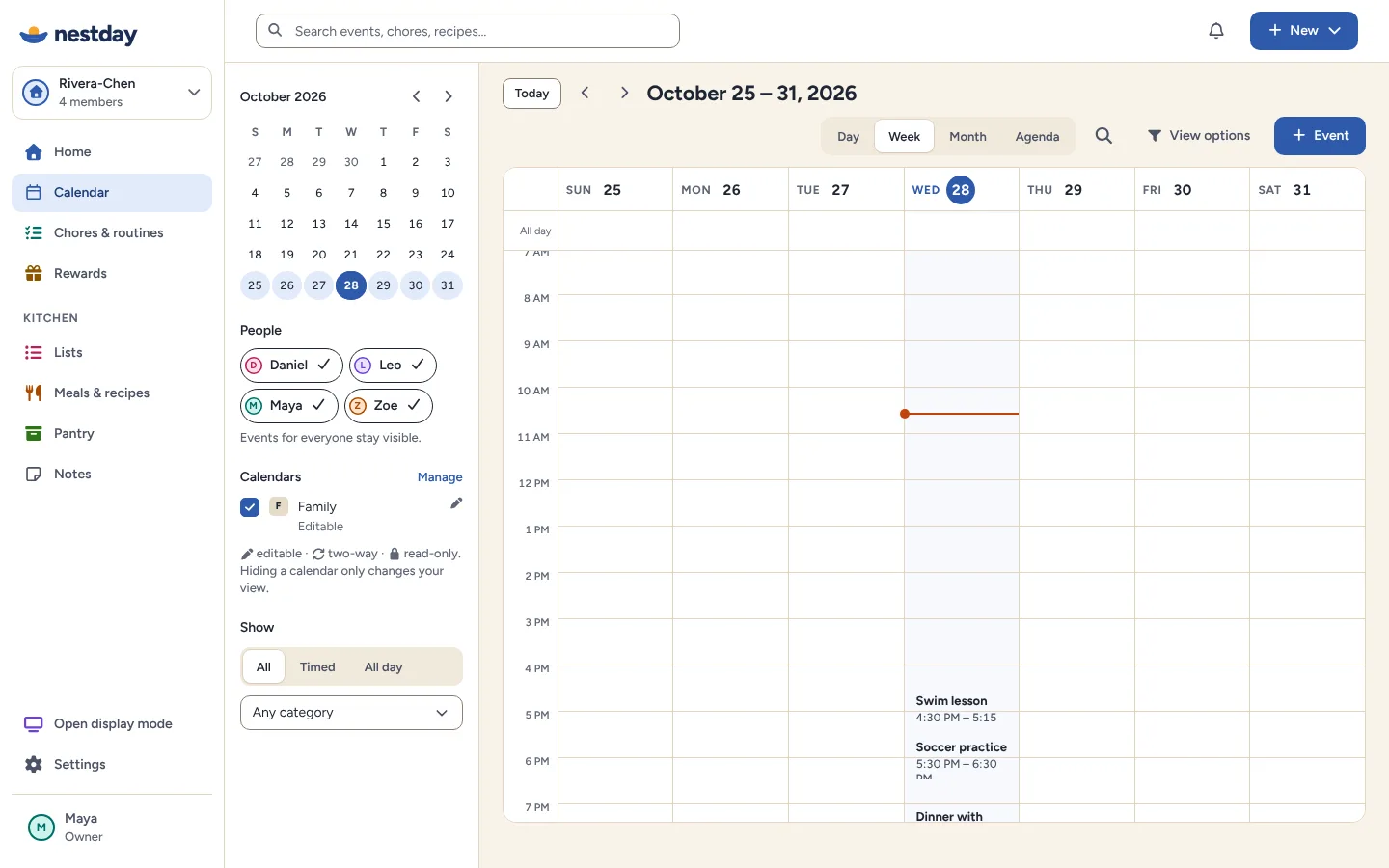
Family calendar
Day, week, month and agenda views. Bring in Google Calendar and calendar links from school, clubs and other apps, and see where each event came from.
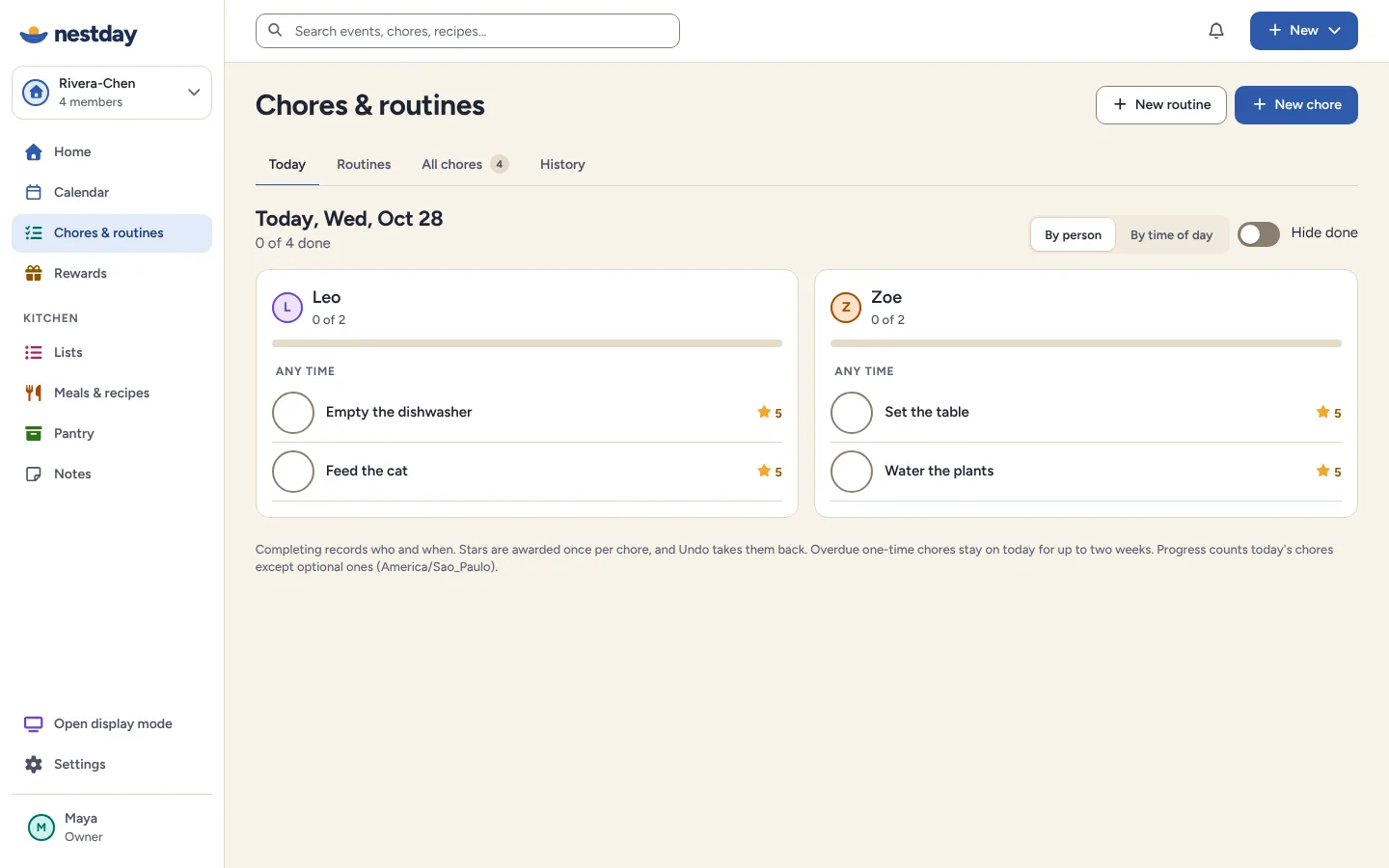
Chores and routines
Morning and bedtime routines, repeating chores and stars kids can save toward rewards.
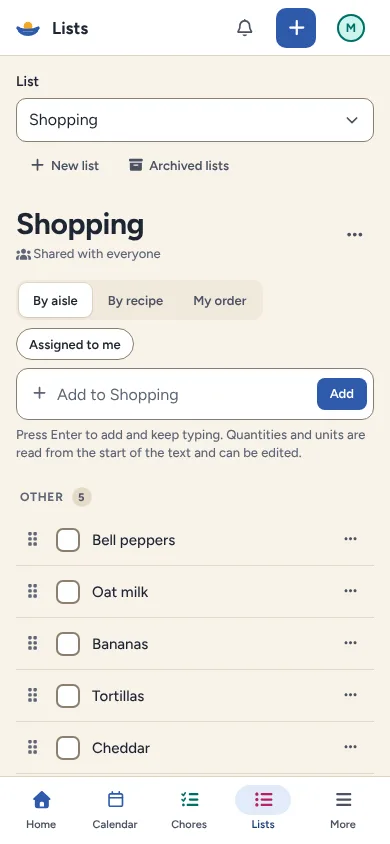
Meals and shopping
A weekly meal plan, saved recipes and a shopping list the whole family shares.
Rewards
Stars turn into family-chosen rewards that a grown-up approves.
Lists
Shopping, packing, to-dos: shared, and quick to check off or undo.
Pantry
Know what's in the cupboard and what's about to expire.
Your Home, your way
Choose which widgets the family sees first, and in what order.
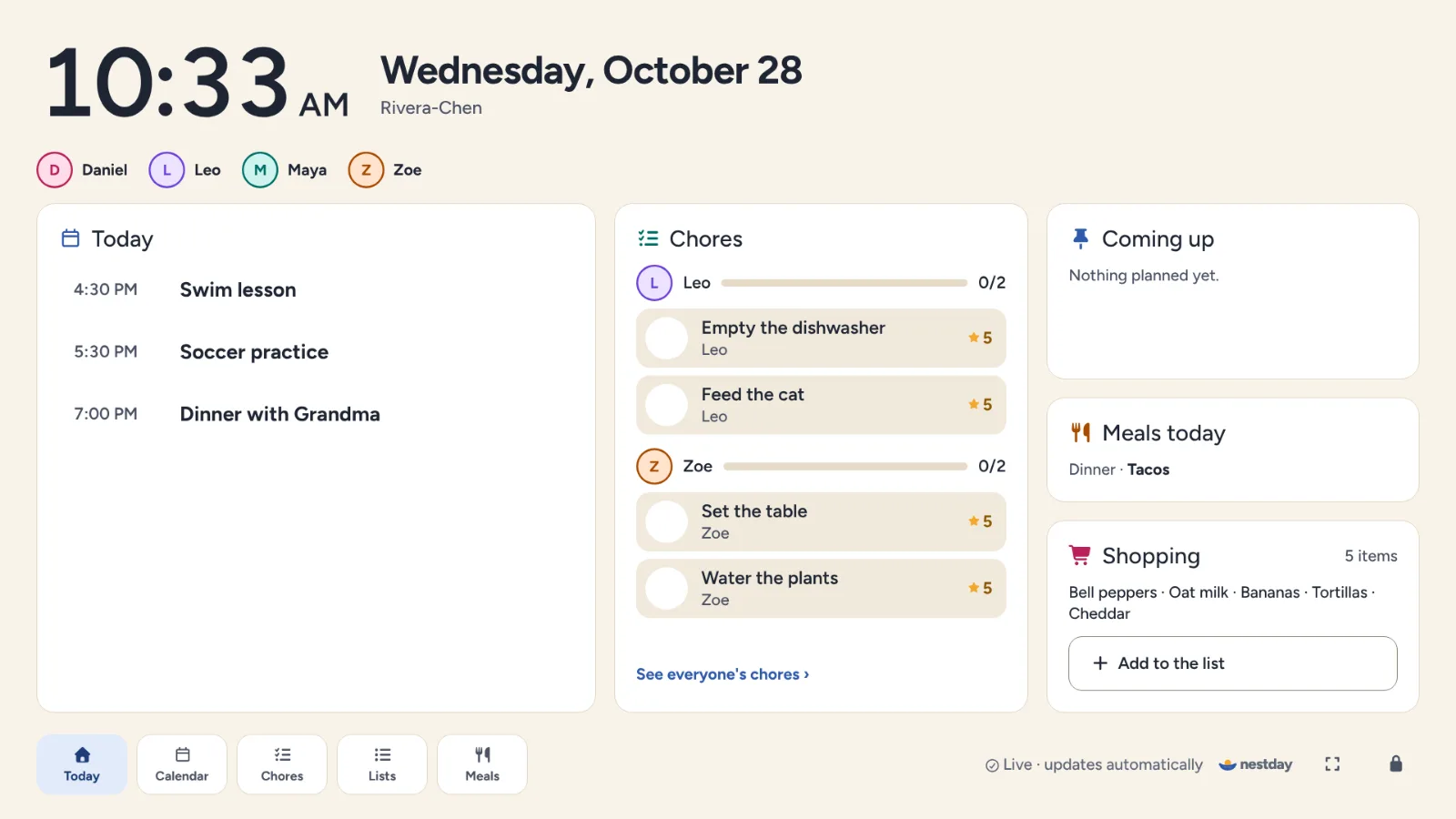
Put the day on the kitchen wall
Turn a spare tablet, monitor or TV browser into the family's shared screen. No special hardware is needed.
- Large type that's readable from across the room
- Kids check off chores right on the screen
- Private events show only as "Busy"
- Dims to a calm clock at night
Everyone gets the right amount of control
Grown-ups manage the household and approve rewards. Kids get a simple view with big buttons and need no email address. Private events show only as "Busy" to children and on shared screens.
- Owner
- Adult
- Child
- Child
Keep your work and school calendars. See them in one place.
- Google Calendar
- Outlook (published link)
- Apple iCloud (published link)
- School and club feeds (ICS)
Nestday always shows which calendar an event came from and whether it can be edited there. Google Calendar can be two-way; calendar links are read-only.
Up and running before dinner
Create your household
Add the people you live with, each with a color. Kids don't need an account.
Bring your plans in
Connect calendars, add a few chores from the templates and start a shopping list.
Share it everywhere
Invite another adult, open it on your phone and pair the kitchen screen with a code.
Is Nestday free?
Yes. The core family features (calendar, chores, rewards, lists, meals, pantry and the household display) don't need a subscription.
Do I need to install an app?
No. Nestday runs in the browser on phones, tablets, laptops and TV browsers. There's nothing to download.
What does the household display need?
Any always-on screen with a modern browser: a spare tablet, a monitor with a small computer, or a smart TV browser.
Who can see private events?
Adults in the household see the details. Children and the household display see only "Busy".